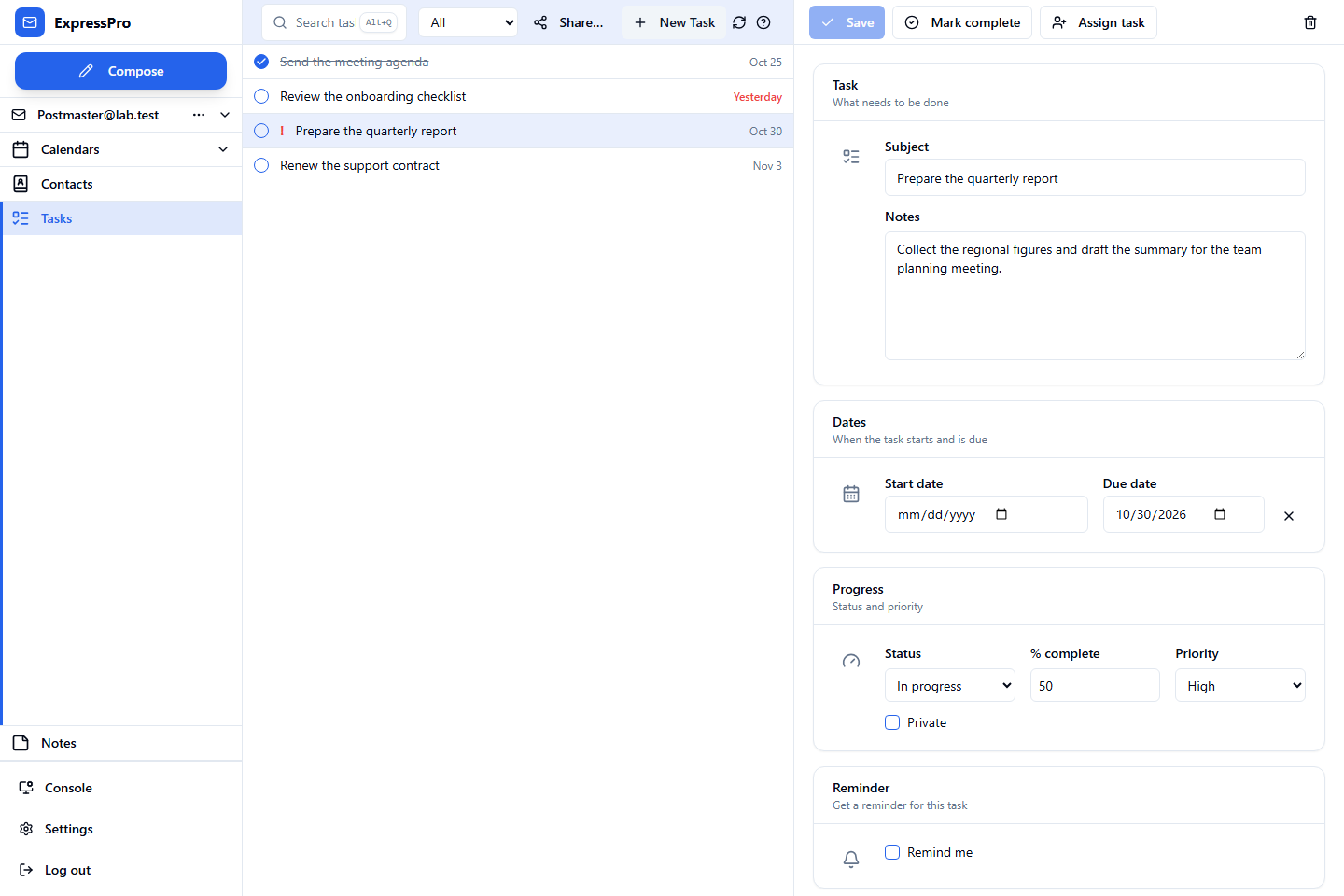
Manage Tasks in ExpressPro
Create tasks with due dates, priority, progress and reminders, mark them complete from the task list, and filter the list to the work that matters today. Recurring tasks keep routine work on schedule.
Assign Tasks to Colleagues
Send a task to a colleague and follow its progress. Recipients can accept or decline a task request from ExpressPro or Classic Outlook, and the answer updates the assigner's copy of the task.
Keep Notes with Your Mailbox
Write quick notes in ExpressPro and find them again from the same account on your other devices. Notes are stored in the mailbox's Notes folder, so they are backed up and managed with the rest of your mail data.
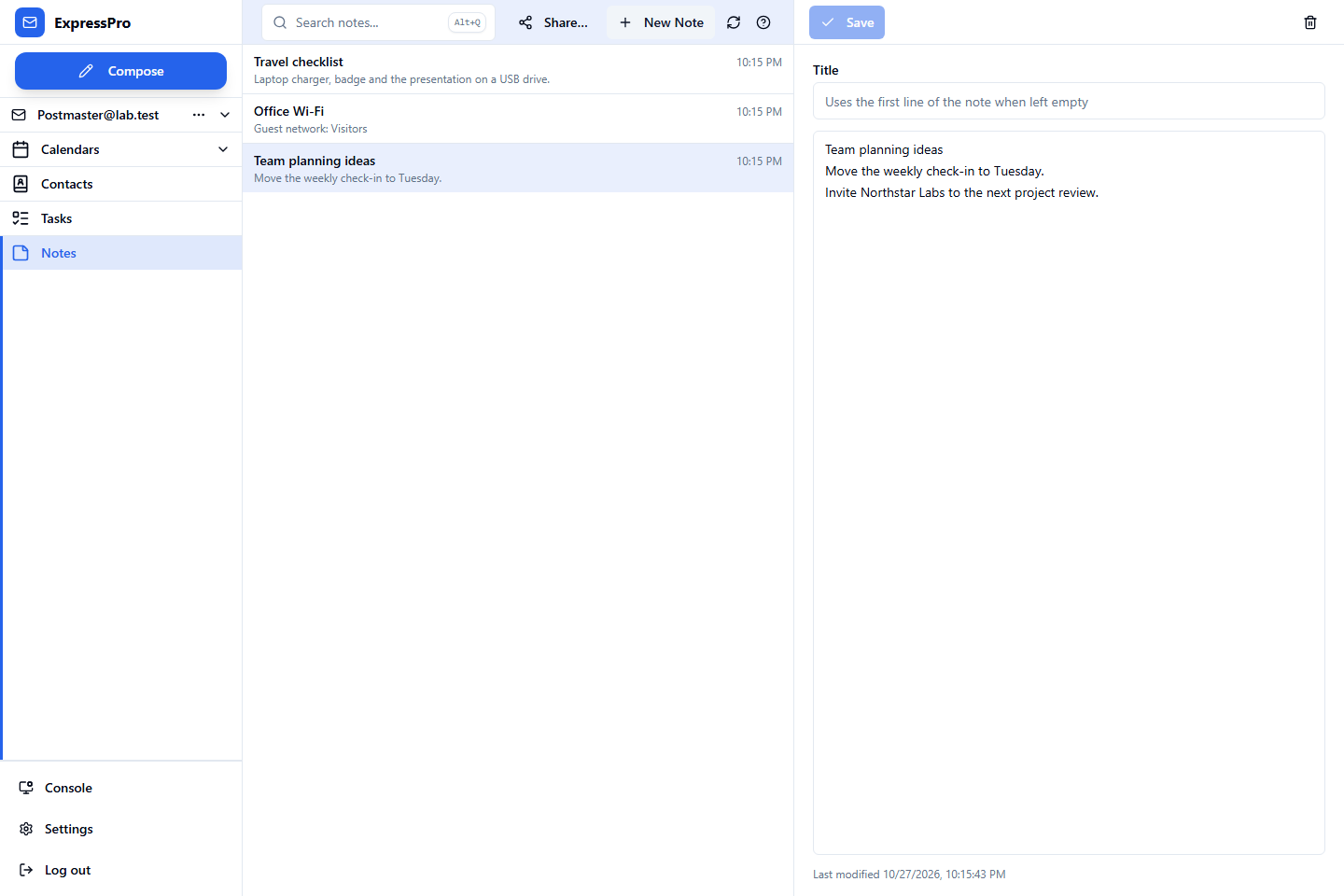
Share with the People You Work With
Share task lists and Notes folders with colleagues and delegates, as you would a calendar or contacts folder. Notes marked private stay hidden from delegates.
Work Across Compatible Clients
Tasks and notes synchronize with Classic Outlook through MAPI over HTTPS, with compatible desktop apps through Exchange Web Services, and with supported mobile apps through ActiveSync. Verify the task and note features of each client version during evaluation.
Read the current release notes and download the Admin Guide, or talk to Rockliffe about your requirements.